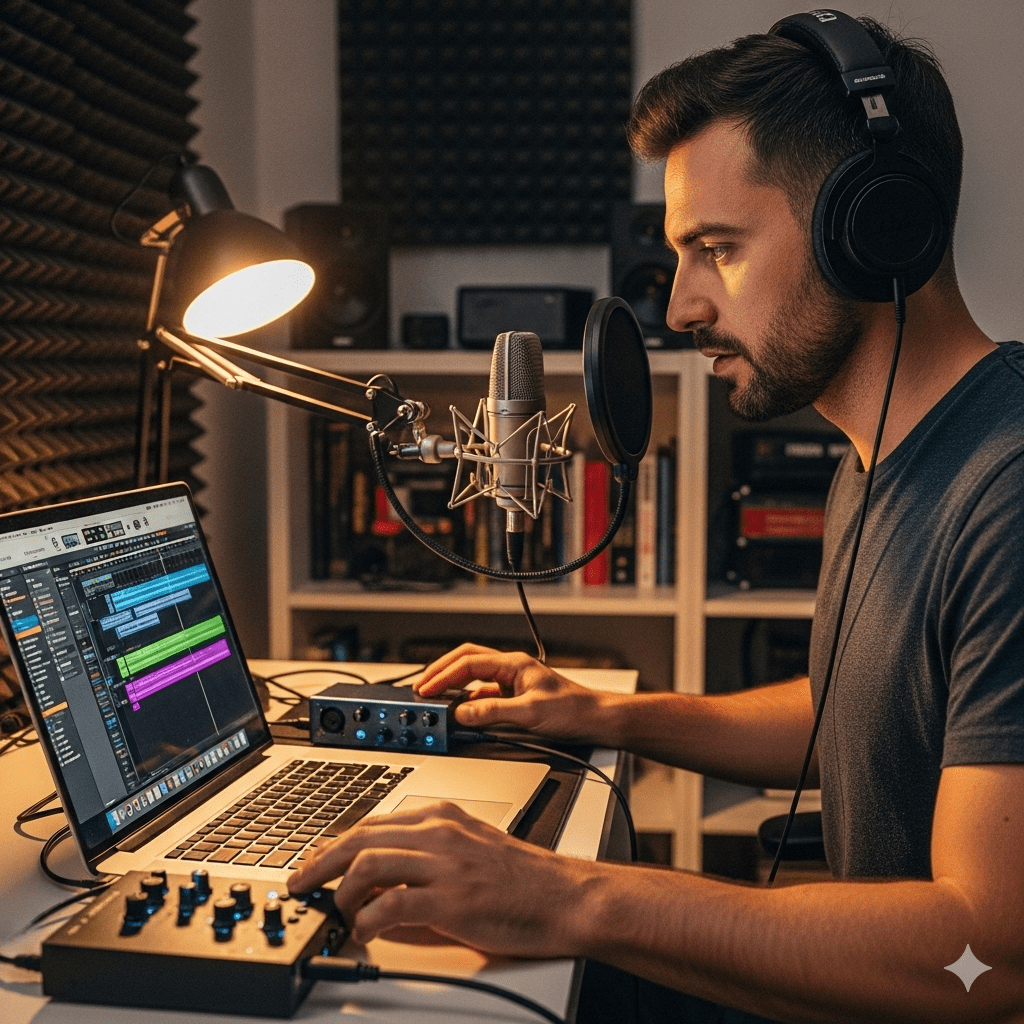
Introduction: Why Riverside Matters
Hello! If you’re here, you’ve probably already heard about Riverside—sometimes affectionately called “Riverside.fm.” But chances are, you’ve only scratched the surface of what it can do. While it’s widely known as a dedicated podcasting platform, Riverside is much more than that. It’s an all-in-one studio that combines high-quality recording, integrated editing, live streaming, webinars, and AI-powered content tools into a single user-friendly platform.
For creators, businesses, and educators, Riverside isn’t just about recording—it’s about transforming ideas into professional-grade content with ease.
Key Takeaways
- More Than Just a Podcasting Platform: Riverside empowers users to create podcasts, live streams, webinars, training videos, and social media clips.
- High-Quality Local Recording: Audio and video are recorded locally on each participant’s device, ensuring studio-quality output even with weak internet.
- Integrated Editing: Built-in text-based and AI-driven editing eliminates the need for expensive third-party software.
- AI-Driven Efficiency: Tools like Magic Clips, automated show notes, and transcription save hours in post-production.
- Versatile Recording and Streaming: From podcasts to corporate webinars, Riverside adapts to every content need.
What Is Riverside?
At its core, Riverside is a remote recording and content creation platform. Originally built for podcasters, it has evolved into a flexible tool that supports everything from video interviews and webinars to social media clips and live shows.
Whether you’re a solo podcaster, a growing brand, or a large business, Riverside provides:
- Studio-quality audio and video recording (up to 4K video, 48kHz audio)
- Built-in AI features for editing and distribution
- Browser and mobile app access—no complicated setup required
- Cloud storage and secure backups
The platform has become a favorite among world-class creators, including Jay Shetty, Tim Ferriss, Marques Brownlee, and Kerry Washington.
Riverside for Podcasters
Remote Podcasting Without Limits
Podcasting remains Riverside’s strongest identity. Unlike traditional apps where quality depends on internet bandwidth, Riverside uses local recording technology. Each participant’s audio and video are recorded directly on their device, then uploaded progressively to the cloud. This ensures crystal-clear results even if the internet lags.
Key Features for Podcasters
- Up to 10 remote guests and 1,000 audience members can join via a simple link.
- Producer Mode allows a separate person to manage the technical aspects.
- Built-in teleprompter helps hosts stay on track.
- Automatic transcription and AI-generated show notes speed up publishing.
- Publishing integrations make it easy to share podcasts directly to Spotify and other directories.
“It’s one of the few podcasting platforms that does almost everything right.” – Jonathan Carson, Co-host of The Wild Podcast
Recording Beyond Podcasts: Video & Audio Creation
A Studio for Every Format
Riverside doubles as a professional video and audio recorder. From YouTube explainers and Instagram reels to training guides and product launches, creators can rely on it as a multipurpose studio.
Key Features
- Local recording across devices (desktop, mobile, iPad).
- Export uncompressed files—lossless WAV audio and 4K video.
- Always in-sync audio and video, simplifying editing.
- Secure cloud storage with immediate download access.
This makes it especially valuable for educators, brands, and marketers who want reliable, high-quality recordings without investing in expensive studio equipment.
Editing with Riverside: No Third-Party Tools Required
One of Riverside’s biggest advantages is that editing doesn’t require additional software.
Built-In Editing Features
- Text-based editing: Delete words in the transcript, and they disappear from the video.
- AI-powered audio cleanup: Removes background noise, filler words, and awkward pauses.
- Color-coded speakers: Makes editing group conversations easy.
- AI-generated chapters: Breaks long content into digestible sections.
- Custom branding and layouts: Add logos, text, and professional designs.
“Riverside saves me 2–3 hours per episode. It’s like having a personal assistant.” – Quinn C., Podcaster
Webinars and Corporate Events on Riverside
For businesses, Riverside doubles as a webinar hosting platform. Unlike Zoom or Teams, it records in high resolution and keeps each participant’s track separate.
Key Features for Webinars
- Up to 1,000 live attendees via a browser link—no downloads required.
- Interactive chat and live call-ins for audience engagement.
- Screen sharing and branded presentations.
- Automatic uploads of all tracks to the host’s account.
With its reliability and branding options, Riverside is well-suited for corporate training, product launches, and online events.
Live Streaming with Riverside
Creators who stream live shows love Riverside’s multistreaming abilities. You can broadcast directly to YouTube, LinkedIn, Twitch, Facebook, and Twitter/X simultaneously.
Standout Features
- High-quality downloadable replays for editing and repurposing.
- On-screen media boards for adding sounds, videos, and overlays in real time.
- Virtual backgrounds and blur tools for professional settings.
- Mobile streaming options for creators on the move.
A Better Alternative to Video Conferencing
Why choose Riverside over Zoom or Google Meet? Quality.
- Locally recorded audio and video outperform cloud-based conferencing apps.
- Separate track recording allows more control in post-production.
- Encryption and security protect sensitive business calls.
- Integrated editing tools add value beyond simple conferencing.
For organizations, Riverside makes interviews, mentorship, and internal meetings more professional and reusable.
Social Media Content Creation
Today’s content creators need quick, polished clips for Instagram, TikTok, and LinkedIn. Riverside delivers with AI-powered content repurposing tools.
Tools for Social Creators
- Magic Clips: AI finds the best highlights from recordings and formats them for social.
- AI captions: Customize captions for accessibility and engagement.
- Flexible aspect ratios (9:16, 1:1, 16:9) for different channels.
- Filters, graphics, and overlays for professional-looking posts.
This makes Riverside a one-stop shop for both long-form and short-form content.
How Riverside Works
- Log into your Studio from desktop or mobile.
- Invite guests with a link or email.
- Record in 4K video and 48kHz audio, with or without live streaming.
- Add scripts or teleprompters for smooth delivery.
- Chat with team members or audience during sessions.
- Progressive uploads ensure files are ready within minutes.
- Edit with AI tools—cut, transcribe, clean audio, or create Magic Clips.
- Publish directly to Spotify or export for YouTube and social media.
Who Uses Riverside?
Some of the world’s most recognized creators and entrepreneurs use Riverside:
- Jay Shetty – On Purpose
- Tim Ferriss – The Tim Ferriss Show
- Marques Brownlee (MKBHD) – Waveform Podcast
- Kerry Washington – The Street You Grew Up On
- Jon Stewart – The Problem with Jon Stewart Podcast
Their endorsement highlights Riverside’s credibility in professional content creation.
Downloading Riverside from Play Store
If you’re an Android user, the good news is that it offers a mobile app that works seamlessly. Here’s how you can download Riverside from Play Store:
-
Open the Google Play Store on your Android device.
-
In the search bar, type “Riverside”.
-
Tap on the official app by Riverside.fm.
-
Click Download and wait for the installation package to finish downloading.
-
Once complete, the app icon will appear on your device’s home screen.

Installing Riverside App (Step-by-Step)
Unlike many apps, its installation is smooth and quick. Follow these steps after download:
-
After downloading, tap the Install button on the app page.
-
Allow the necessary permissions such as microphone and camera access.
-
Wait for the setup to finish, then tap Open.
-
Sign in with your Riverside account or create a new one.
-
You’re now ready to record audio and video on the go.

Pricing: Is Riverside Free?
Yes—Riverside has a free plan with:
- 720p video & 44.1kHz audio
- 2 hours of multi-track recording
- Unlimited single-track recording
- Editing tools and Magic Clips
- Live streaming with watermark
Paid plans remove watermarks, unlock 4K quality, and expand recording limits.
Is Riverside Worth It?
For serious podcasters and creators, absolutely. Here’s why:
- Reliable quality through local recording
- Compatibility across PC, Mac, Android, iOS
- Ease of use with AI-driven workflows
- Speed thanks to progressive uploads
- Strong support system, including tutorials and live help
“In my first session, I recorded seven episodes in one day. I couldn’t have done that without Riverside.” – Jennifer S., Podcaster
FAQs About Riverside
Q: What is the Riverside app?
The Riverside app is the mobile version of the platform, letting you record, invite guests, and manage files from your phone.
Q: Does Riverside record automatically?
Yes, all sessions are automatically recorded and stored in the cloud.
Q: Is Riverside audio-only?
No. It records both audio and video, though you can choose audio-only mode.
Q: Do guests need to install Riverside?
No. They can join directly from a browser link.
Q: How long can you record for free?
Unlimited single-track recording, plus two hours of free multi-track testing.
Final Thoughts
Riverside has redefined what it means to be a content creation platform. From high-quality podcasting to corporate webinars, live streaming, and social media clips, it is more than just a tool—it’s a creative partner. With its AI-driven workflows, integrated editor, and unmatched recording quality, Riverside empowers creators to focus on storytelling rather than struggling with tech.
For anyone serious about digital content, Riverside isn’t just worth trying—it’s worth making the centerpiece of your workflow.


