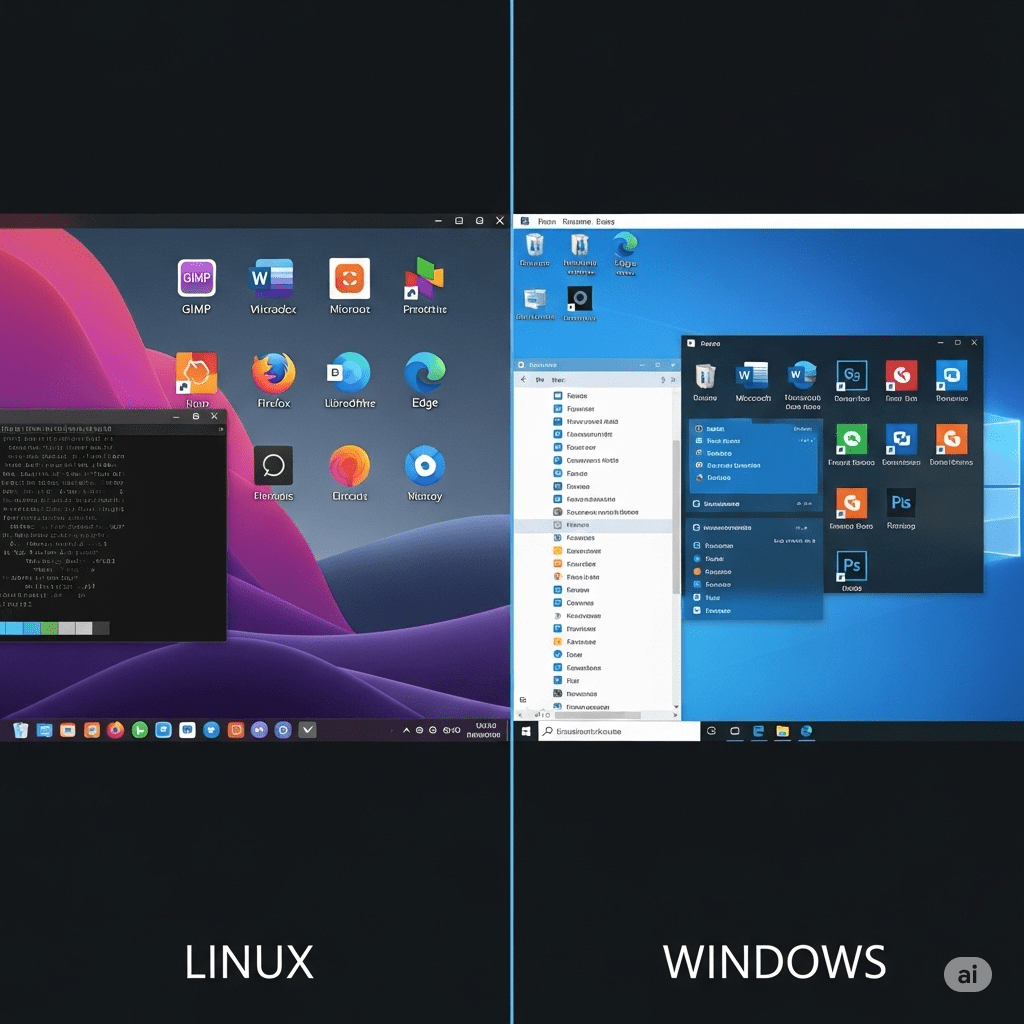
Operating systems are the backbone of computers, managing hardware resources and enabling applications to run smoothly. For professionals in digital marketing and SEO, including myself as someone working in link building and guest posting, choosing the right operating system is crucial. It impacts performance, security, and the overall efficiency of handling tasks like automation, data analysis, and content creation.
Two of the most widely used operating systems are Linux and Windows. While Windows dominates the consumer market, Linux powers a significant portion of servers, data centers, and development environments. Each system has its strengths, weaknesses, and unique features that make them suitable for different types of users.
Before exploring each in detail, here are the main points that highlight how Linux differs from Windows:
Main Points:
-
Ownership and Cost – Linux is open-source and free, while Windows is proprietary and requires licensing fees.
-
User Interface – Windows offers a consistent graphical interface, while Linux provides multiple desktop environments and customization.
-
Security – Linux is generally more secure due to its permission-based structure, while Windows is a frequent target of malware.
-
Performance and Stability – Linux is lightweight and stable, ideal for servers; Windows focuses on usability but may require more resources.
-
Software and Applications – Windows supports a wide range of commercial software, while Linux emphasizes open-source tools.
-
Command Line vs. GUI – Linux heavily relies on command-line operations, while Windows prioritizes graphical interfaces.
-
Hardware Compatibility – Windows works out-of-the-box with most hardware, while Linux may require manual drivers.
-
Target Audience – Linux suits developers, IT professionals, and enterprises; Windows suits general users, businesses, and gamers.
-
SEO & Digital Marketing Use – Linux offers powerful automation tools, while Windows provides convenience and compatibility with marketing software.
-
Updates and Maintenance – Linux offers flexible updates with minimal restarts, while Windows updates are frequent and sometimes disruptive.
1. Ownership and Cost
One of the biggest differences between Linux and Windows is cost.
-
Linux is open-source, meaning it is free to use, modify, and distribute. Popular distributions (distros) like Ubuntu, Fedora, and Debian can be downloaded without cost. Enterprises may pay for premium support, but the base system remains free.
-
Windows, on the other hand, is proprietary software developed by Microsoft. Each license requires payment, and businesses often spend significantly on licensing for multiple users.
For startups, students, and even SEO professionals who need cost-effective systems for running scripts or hosting tools, Linux can be a budget-friendly option.
2. User Interface and Customization
-
Windows provides a uniform graphical user interface (GUI) that most users find familiar and easy to navigate. The taskbar, Start menu, and settings panel are consistent across versions.
-
Linux allows freedom of customization. Users can choose desktop environments such as GNOME, KDE, or XFCE, tailoring the look and functionality.
For general office users, Windows offers simplicity, while for tech-savvy professionals, Linux delivers flexibility.
3. Security
Security is a key consideration:
-
Linux is inherently more secure due to its user permission structure and open-source model, which allows rapid identification and fixing of vulnerabilities. Malware is less common in Linux environments.
-
Windows is a frequent target of viruses and ransomware due to its popularity. While Microsoft has improved security features with Windows Defender and regular updates, it remains more vulnerable than Linux.
For businesses handling sensitive SEO client data, Linux offers stronger resistance to attacks, especially when used on servers.
4. Performance and Stability
-
Linux is lightweight and efficient. It can run on older hardware without slowing down, making it ideal for servers and developers who need consistent uptime.
-
Windows often requires higher system resources and may slow down over time with updates and software installations.
For example, I can run Linux-based servers for hosting SEO tools without worrying about system crashes, while Windows remains more suitable for daily office work and content creation.
5. Software and Applications
-
Windows supports the largest variety of commercial applications, including Microsoft Office, Adobe Suite, and gaming software.
-
Linux focuses more on open-source software. While alternatives exist (such as LibreOffice instead of MS Office), some specialized software may not run natively without compatibility layers like Wine.
For SEO, tools like Screaming Frog, Ahrefs, or client dashboards often run more smoothly on Windows, but Linux offers unmatched server-side tools for automation and data analysis.
6. Command Line vs. GUI
-
Linux relies heavily on the command line, which provides advanced control for developers and administrators. Tasks such as server configuration or automated SEO scripts are often faster through terminal commands.
-
Windows prioritizes GUI-based interactions. While PowerShell and Command Prompt exist, most tasks are designed for point-and-click operations.
For professionals comfortable with technical work, Linux command line offers superior flexibility, while Windows remains user-friendly for beginners.
7. Hardware Compatibility
-
Windows generally has better compatibility with a wide range of hardware, from printers to gaming devices, since most manufacturers develop drivers for Windows first.
-
Linux supports a vast array of hardware but may require manual driver installation for newer or less common devices.
For everyday users, Windows provides convenience, while Linux may demand technical know-how.
8. Target Audience
-
Linux is popular among developers, IT administrators, system engineers, and enterprises running servers. It’s also widely used in cloud infrastructure and hosting.
-
Windows is the go-to choice for businesses, general users, gamers, and professionals who depend on specific commercial software.
As an SEO expert, I use both: Windows for content creation and client communication, Linux for hosting automation scripts and managing web servers.
9. SEO and Digital Marketing Use
From an SEO and link building perspective, both systems have unique benefits:
-
Linux allows advanced automation with cron jobs, shell scripts, and server hosting—ideal for running SEO crawlers and scheduling reports.
-
Windows offers broader compatibility with SEO tools, content management software, and analytics dashboards, making it convenient for day-to-day operations.
A combination of both environments often delivers the best results—Windows for everyday SEO tasks, Linux for automation and backend work.
10. Updates and Maintenance
-
Linux updates are user-controlled, lightweight, and usually don’t require system reboots. This makes it highly reliable for servers that need continuous uptime.
-
Windows updates are frequent, automatic, and often require restarting the system, which can interrupt workflows.
For businesses that value stability, Linux servers minimize downtime, while Windows provides a structured update cycle for general users.
Conclusion
Linux and Windows are two powerful operating systems with distinct philosophies and advantages. Linux is open-source, stable, secure, and widely used in server environments, while Windows focuses on user-friendliness, broad software support, and mass adoption.
For an SEO professional like me, both systems play important roles. Windows provides seamless access to client tools, reporting software, and productivity applications. Linux, on the other hand, excels in automation, server hosting, and security.
Ultimately, the choice between Linux and Windows depends on individual needs, technical expertise, and business goals. For enterprises, using both in different contexts often ensures the best balance between usability and performance.


