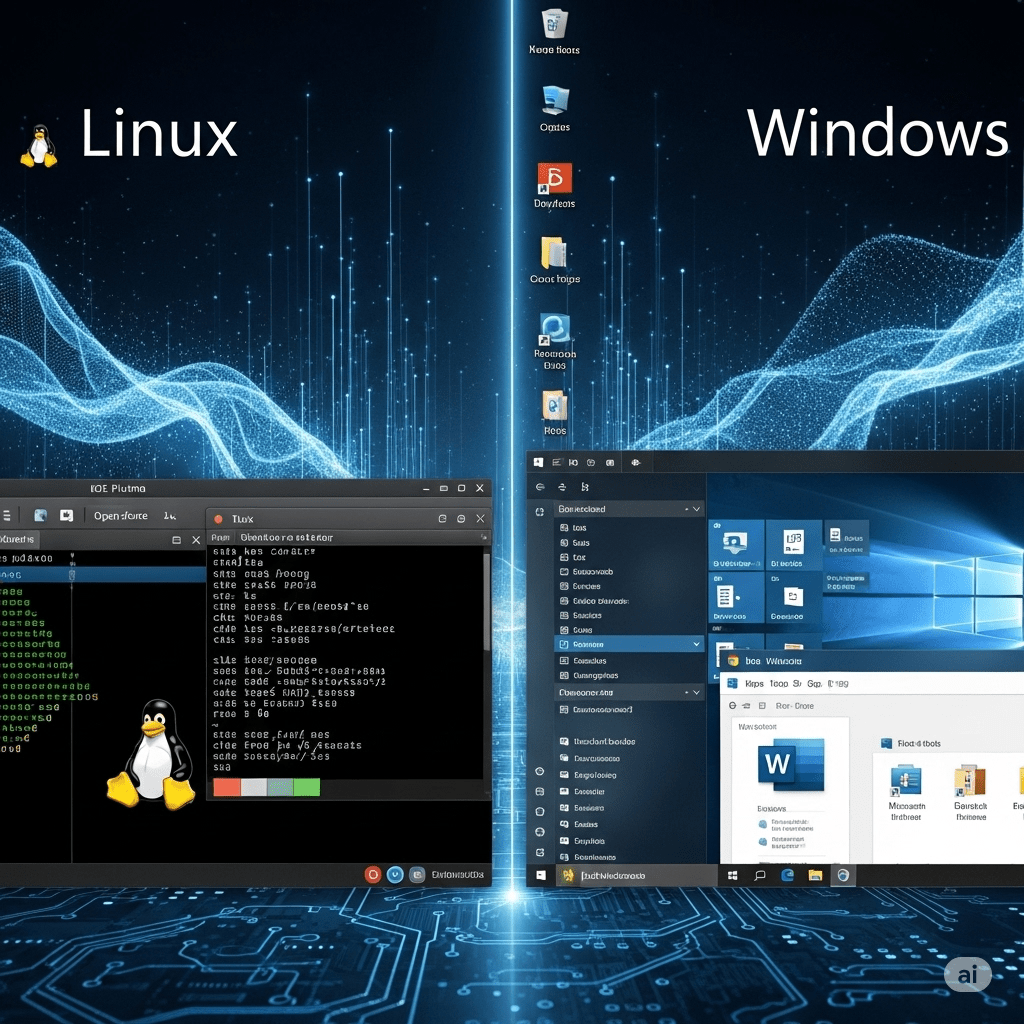
Operating Systems
An operating system (OS) is the core software that manages a computer’s hardware and provides the environment where other programs run. Without it, a machine would just be a collection of parts with no way to communicate. Think of it as the middle layer that connects users, applications, and the physical hardware.
Key Functions of an Operating System
Operating systems handle multiple critical tasks, including:
-
Process Management: Controls how programs run and ensures they get the CPU time they need.
-
Memory Management: Allocates and monitors RAM so no program uses more than it should.
-
File System Management: Organizes data into files and folders for easy storage and retrieval.
-
Device Management: Coordinates hardware like printers, keyboards, and disk drives.
-
User Interface: Provides the environment, such as command lines or graphical desktops, that users interact with daily.
Types of Operating Systems
There isn’t just one kind of OS. Different systems serve different needs:
-
Batch Operating Systems – Common in older mainframes, designed for processing jobs without user interaction.
-
Time-Sharing Systems – Allow multiple users to work on the same machine at once.
-
Distributed Systems – Use multiple computers to act as one cohesive unit.
-
Network Operating Systems – Manage and connect computers over a network.
-
Real-Time Systems – Deliver immediate responses, vital in industries like aviation and healthcare.
Examples of Popular Operating Systems
In today’s computing world, some operating systems dominate the market:
-
Windows – Widely used in personal and business computing.
-
macOS – Apple’s OS, known for its sleek interface and strong ecosystem.
-
Linux – Popular among developers and servers for its open-source flexibility.
-
Android – The leading mobile OS, powering millions of smartphones.
-
iOS – Apple’s mobile system, valued for its smooth user experience.
Linux vs Windows: Key Differences Explained in 2025
What is Linux OS?
Linux is an open-source operating system built on the Unix model. It’s designed to be free, customizable, and flexible enough to run on everything from smartphones to supercomputers. At its core, Linux uses the Linux kernel, which manages hardware resources and supports a wide range of software applications.
Because it’s open-source, anyone can study, modify, or distribute Linux. This makes it popular among developers, server administrators, and companies that need stability and control. Popular Linux distributions include Ubuntu, Fedora, Debian, and enterprise editions like Red Hat Enterprise Linux and SUSE Linux Enterprise Server.
Linux is especially common in servers and cloud computing environments, where performance and reliability are critical.
What is Windows OS?
Windows, developed by Microsoft, is a commercial operating system widely used on desktops and laptops worldwide. It offers a graphical interface that is easy to navigate, making it popular among everyday users, businesses, and gamers.
Unlike Linux, Windows is not free. Users purchase licenses, and the source code is closed to the public. Windows manages hardware, runs applications, and provides built-in tools for system maintenance.
Well-known versions include Windows XP, Vista, 7, 8, and 10, with Windows 11 being the most current. Thanks to licensing agreements with manufacturers, most new PCs come pre-installed with Windows, which explains its massive market share.
Linux vs Windows:
Here are the major areas where Linux and Windows differ:
1. Licensing and Price
-
Linux: Free to use and modify under the GNU General Public License. Paid enterprise versions exist with professional support.
-
Windows: Requires a paid license. Prices usually range from $75 to $200 depending on the edition.
2. Security
-
Linux: Built on a multi-user design, making it less vulnerable to malware. Security patches are released quickly by its global developer community.
-
Windows: Frequently targeted by hackers due to its popularity. Microsoft provides regular updates, but users often face vulnerabilities and system crashes.
3. Design and Architecture
-
Linux: Modular kernel, allowing users to load or unload components as needed. This adds flexibility and security.
-
Windows: Monolithic kernel, designed for efficiency but more prone to errors and system-wide failures.
4. Command Line
-
Linux: Command-line usage is powerful and essential for system management.
-
Windows: Includes Command Prompt and PowerShell, but average users rarely rely on them.
5. Usability
-
Linux: User-friendly distributions like Ubuntu and Linux Mint make it easier for beginners, though some technical learning is required.
-
Windows: Familiar interface and pre-installed on most PCs. Easier for non-technical users.
6. Support
-
Linux: Community-driven support through forums and documentation. Paid enterprise support is available.
-
Windows: Official Microsoft support plus a wide range of online resources and third-party guides.
7. Dependability
-
Linux: Known for stability. Rarely requires reinstallation. Used by tech giants like Google and Facebook.
-
Windows: Can slow down over time and often requires reboots and reinstallations.
8. User Interface & Experience
-
Linux: Offers multiple desktop environments (GNOME, KDE, Xfce), giving users flexibility.
-
Windows: Standardized interface across devices, familiar to most users.
9. Gaming
-
Linux: Game support is improving, with platforms like Steam offering Linux-compatible titles. Still limited compared to Windows.
-
Windows: The leading OS for gaming, with broad support from developers and hardware manufacturers.
10. Implementation
-
Linux: Dominates servers and enterprise systems but has a small desktop market share.
-
Windows: Installed on over 90% of consumer PCs worldwide, making it the default choice for home users.
Is Linux Better Than Windows?
There’s no universal answer. If you need a stable, secure, and customizable system for development or servers, Linux may be the better option. If you prefer convenience, gaming, and mainstream software compatibility, Windows is often the more practical choice.


